
First, sell what you want to withdraw
Withdrawals come out of your cash balance (USDC). If your money is in a token, sell it first; the proceeds land in your cash balance. Very small positions can’t be sold in the app: the minimum sell is 2 USDC on most networks and 5 USDC on Ethereum.
Perps money sits in a separate perps cash balance. Move it back to your token cash balance first, because there’s no direct withdrawal from perps.
Option 1: withdraw to a US bank account
- Tap the three dots next to your Cash balance and choose Withdraw → Bank account.
- The first time, verify your identity with a valid government ID, such as a passport or driver’s license. Fomo’s partner Spritz handles verification and bank payouts; Fomo says it doesn’t collect or store your documents.
- Enter your account and routing number, choose a speed, review and confirm. Later withdrawals skip verification.
| Speed | How long | Cost |
|---|---|---|
| Standard | 1 to 3 business days | No extra fee mentioned by Fomo |
| Faster | Same day if started 9 AM to 5 PM ET on a business day; otherwise estimated by the next business day | Additional fee, shown in the app |
Business days are Monday to Friday, excluding US federal holidays. For example, if you start on a Monday and Wednesday is a holiday, only Monday, Tuesday and Thursday count toward the three days.
Limits to know: bank withdrawals are for US bank accounts only, the minimum is $5, and you must be 18 or older. Smaller balances can only leave as crypto. If the bank-linking page times out, start the withdrawal again from the app.
Option 2: withdraw USDC to an exchange or wallet
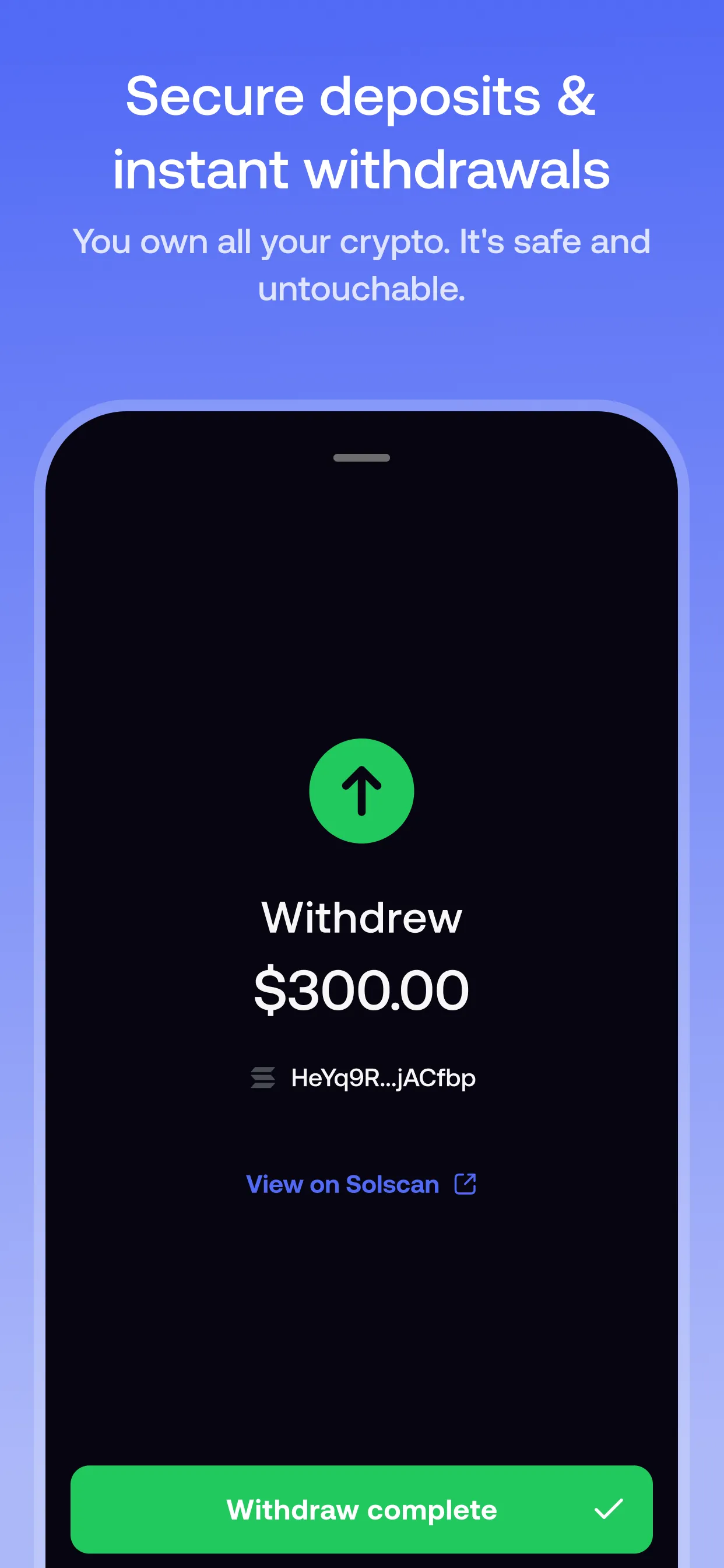
- Tap the three dots next to your Cash balance, choose Withdraw → Crypto wallet, enter the amount and tap Continue.
- At the top, select the network the receiving wallet or exchange supports.
- Paste the receiving address for that same network, then tap Review and confirm.
| Network | You withdraw | Check first |
|---|---|---|
| Solana, Base, BNB Chain, Monad, Ethereum | USDC | The exchange’s USDC deposit address is for that network |
| Robinhood Chain | USDG | The receiver accepts USDG on Robinhood Chain |
| Arc | USDC | The receiver accepts USDC on Arc |
Withdrawals on networks other than Solana have a minimum amount. If yours is too low, the app says “Amount too low” and shows the minimum for that network.
The network must match. If your exchange gives you a Base USDC address, choose Base in Fomo. Sending on the wrong network, or to an address you don’t control, can mean permanent loss.
Sending to another Fomo user
You can send USDC, or verified Solana tokens, to another Fomo user by username: three dots next to your cash balance, then Send. It’s an on-chain transfer, so double-check the recipient. Sending from a trader’s profile is a transfer to their wallet, not a copy trade.
Moving other tokens out
The Withdraw flow sends USDC. To move another token to an outside wallet, Fomo’s route is exporting your private key (Settings → Account → Export) and importing it into a compatible wallet. You get two keys: Solana, and EVM (for Base, BNB Chain, Monad, Ethereum, Robinhood Chain and Arc). Treat an exported key like the keys to your bank account: never paste it into a website or share it.
Withdrawal checklist
- Sold the token, so the money is in your cash balance?
- US bank: identity verified, and Standard or Faster chosen?
- Crypto: network selected in Fomo matches the receiving address?
- Receiver accepts the asset (USDC, or USDG on Robinhood Chain)?
- Amount above the network’s minimum?
Can a withdrawal be reversed?
No. Once a transaction is confirmed on the blockchain it’s permanent, for Fomo and for crypto in general. To check a crypto withdrawal, copy your wallet address (Settings → Account) and look it up on the network’s block explorer, such as solscan.io for Solana or basescan.org for Base. The transaction hash is listed there. If a withdrawal takes longer than its stated time, contact support from inside the app with the details. FomoTraders can’t access accounts or speed up withdrawals.
Sources
- Withdrawing to your bank account · Fomo Help Center, updated 8 Oct 2026
- How long does a bank withdrawal take · Fomo Help Center, updated 8 Oct 2026
- What is identity verification and why do I need it to withdraw to my bank · Fomo Help Center, updated 8 Oct 2026
- Withdrawing to a centralized exchange · Fomo Help Center, updated 8 Oct 2026
- Withdrawing to an external wallet · Fomo Help Center, updated 12 Oct 2026
- Expired link or timed out session during bank withdrawal · Fomo Help Center, updated 23 Apr 2026
- Sending to another fomo user · Fomo Help Center, updated 23 Apr 2026
- How do I send tokens to another wallet · Fomo Help Center, updated 8 Oct 2026
- How to find a transaction hash · Fomo Help Center, updated 8 Oct 2026
- Can I reverse a trade or transfer · Fomo Help Center, updated 8 Oct 2026
- What happens to small remaining balances · Fomo Help Center, updated 5 Oct 2026
- Managing Your Perps Cash Balance · Fomo Help Center, updated 8 Oct 2026
- Where to find your wallet addresses · Fomo Help Center, updated 8 Oct 2026
Product details checked against these sources on 16 Oct 2026. Fomo can change its app, fees and policies; the live app is the final word.