
Download Fomo for iPhone, Android or the web
Get "fomo - never miss out" by FOMO Labs Inc. from the App Store or Google Play, or use Fomo in a browser at fomo.family. Copy theses before you sign up: you enter it on the signup screen for 10% off trading fees.


Enter it on Fomo's signup screen. There's no field to add it later.
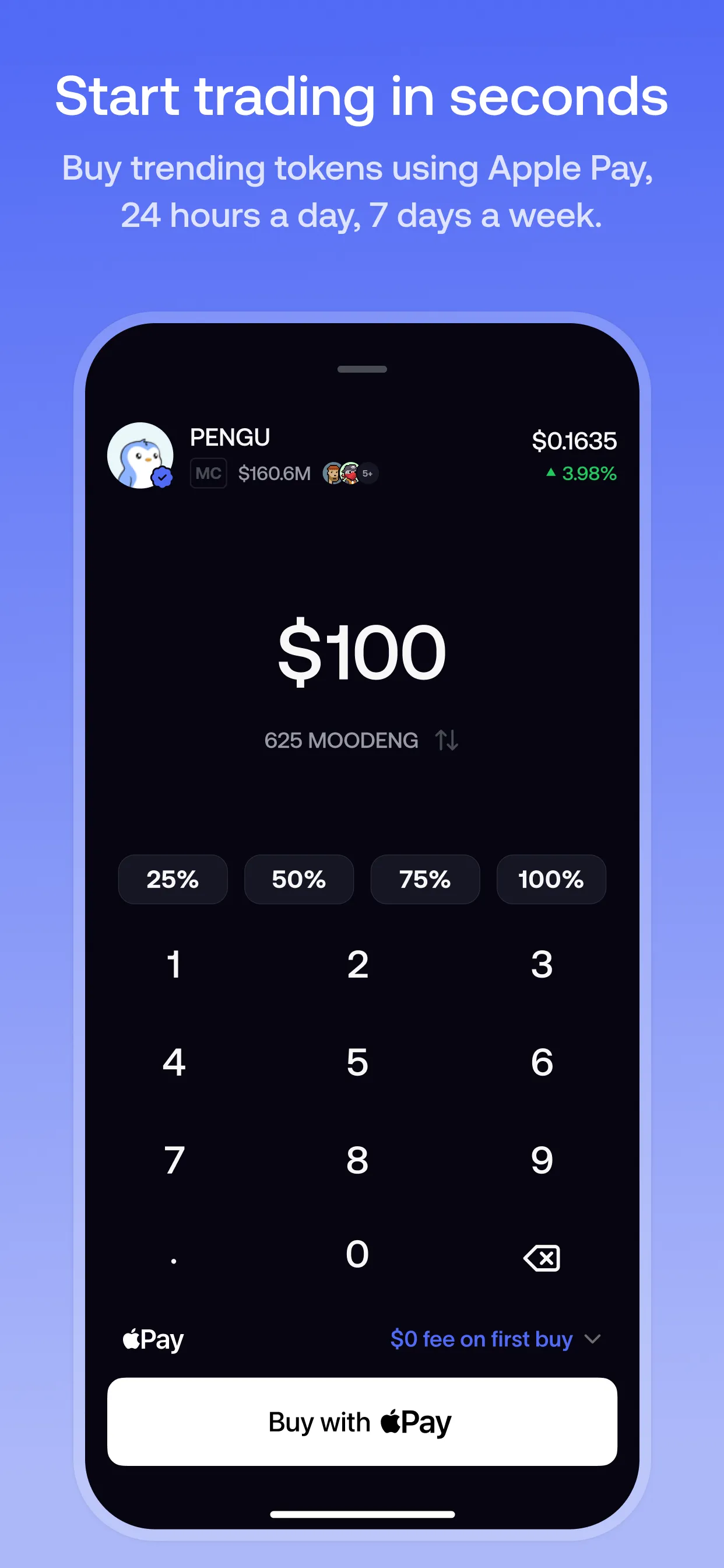
Which version should you use?
All three use the same account. Sign in with the same Apple ID or Google account and you see the same balance, positions and follows everywhere.
| Device | Where to get it | Good to know |
|---|---|---|
| iPhone and iPad | App Store | Requires iOS 16.4 or later. Seller: FOMO Labs Inc. |
| Android | Google Play | Package name family.fomo.app |
| Computer | fomo.family | Nothing to install. Sign up or sign in from any desktop browser. |
One difference for new web users: when Fomo launched its web app in April 2026, it said you could fund a web account with crypto straight away, and use the mobile app for Apple Pay and debit card deposits. Our Fomo web guide covers the details.
Get the order right for the discount
The referral discount is attached when your account is created, and Fomo has no way to add it later. So whichever route you take, have the code ready before the signup screen.
- Phone, fastest route: open our referral link. Fomo's invite page shows the code and a Download app button.
- Store first: copy theses, install from the App Store or Google Play, then enter the code at signup.
- Computer: our link opens fomo.family. Choose Start trading and enter theses when you create the account.
How to make sure you have the real app
Search results for "Fomo" also turn up unrelated apps, tokens and copycat pages. Check these before you install or sign in:
- The publisher. On the App Store, the seller is FOMO Labs Inc. On Google Play, the address bar shows
id=family.fomo.app. - The website. Fomo's web app is at fomo.family. Type it yourself or use a bookmark, rather than following links in direct messages.
- No APK files. On Android, install from Google Play. An APK from another website skips Play's checks.
- Nobody needs your keys. Fomo says it will never ask for your private keys, passwords or login details by email, DM or any other channel.
After you install
- Sign up with Apple ID or Google. There's no lengthy verification at signup and no seed phrase. Fomo creates your wallets automatically.
- Enter theses on the signup screen for 10% off trading fees.
- Remember which login you used. Fomo warns that signing in with a different Apple ID or Google account creates a separate, new account.
- Add funds. Use a debit card, Apple Pay, USDC or Pay with Coinbase, depending on your country. See how to deposit on Fomo.
- Turn on biometrics. In Settings → Security you can require Face ID, Touch ID or your fingerprint for withdrawals and key exports.
Can't find Fomo in your app store?
Fomo says it's available in most countries, with exclusions set out in its Terms of Service. If it doesn't appear in your App Store, Fomo's help center says you can use the web app at fomo.family with the same Apple ID or Google account. Deposit methods also vary by region, but USDC deposits work everywhere Fomo is available.
Don't use a VPN to get around regional restrictions. Fomo's perps terms explicitly prohibit using a VPN or proxy to get around geographic limits.
Sources
- fomo - never miss out (App Store listing) · Apple App Store
- fomo - never miss out (Google Play listing) · Google Play, updated 14 Oct 2026
- Where is fomo available · Fomo Help Center, updated 8 Oct 2026
- Creating your fomo account · Fomo Help Center, updated 23 Apr 2026
- Announcing fomo web · Fomo blog, updated 29 Apr 2026
- How fomo keeps your crypto secure · Fomo Help Center, updated 8 Oct 2026
- Protecting yourself from scams · Fomo Help Center, updated 8 Oct 2026
- How referral codes and fee discounts work · Fomo Help Center, updated 12 Oct 2026
- Fomo invite page for code theses · Fomo
- Terms of Service · Fomo
Product details checked against these sources on 16 Oct 2026. Fomo can change its app, fees and policies; the live app is the final word.
Installing now? Have the code ready
Use code theses when you sign up and Fomo's standard 0.50% fee becomes 0.45% on every trade. The discount is on the fee, not on the amount you trade.
Enter it on Fomo's signup screen. There's no field to add it later.
FomoTraders is independent and may earn a referral reward when you use this code. It doesn't change what you pay. Referral disclosure
 On a computer?
Scan to open it on your phone.